
::heading=Context
It is sometimes possible to raise the AX series on a platform to accommodate higher pallets than what is made possible by the linear axis. To simplify programming, a script exists to adjust the palletizer's base height.
::heading=Knowledge
Place this script inside a new program : node_rpc_server.setpalletizerbaseheightfromfloor(height_in_meters)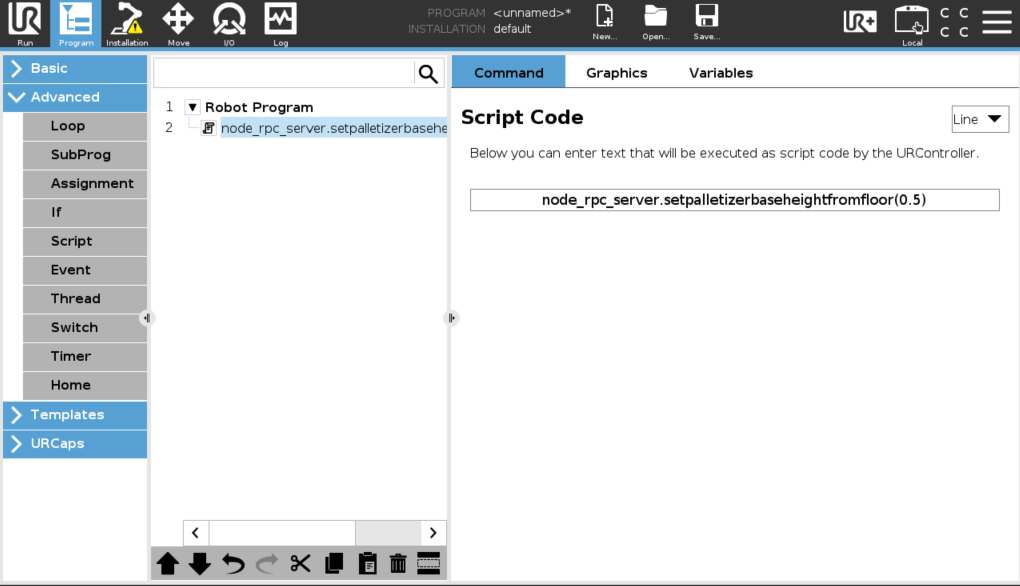
Here the palletizer is placed on a 0.5m platform.
Run this program once, then Suppress this script command from the program tree and create your palletizing program.
::important=If you simply test this feature without raising the AX series on a platform, work at reduced speed. Depending on the settings, the tool may hit the floor.
Here is a view of the updated collision model (ignore the low ceilling): 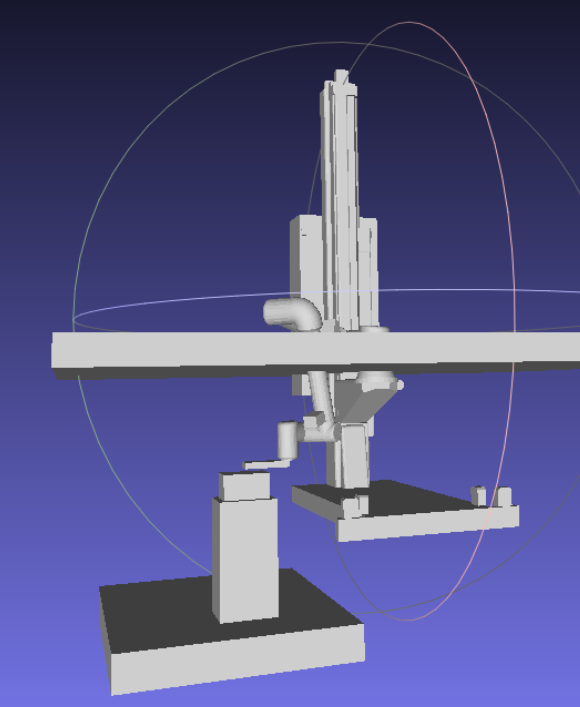
The TCP at release position is now 0.5m lower than before.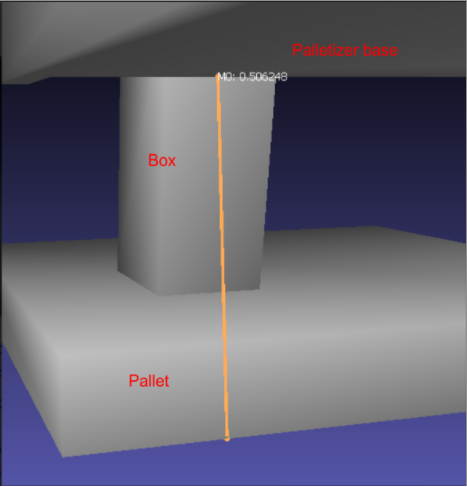
The 0.5m is measured from the floor to the bottom of the palletizer's base.
::important=It is important to reset the platform height to 0.001 when wanting to go back to normal settings.
0 Comments